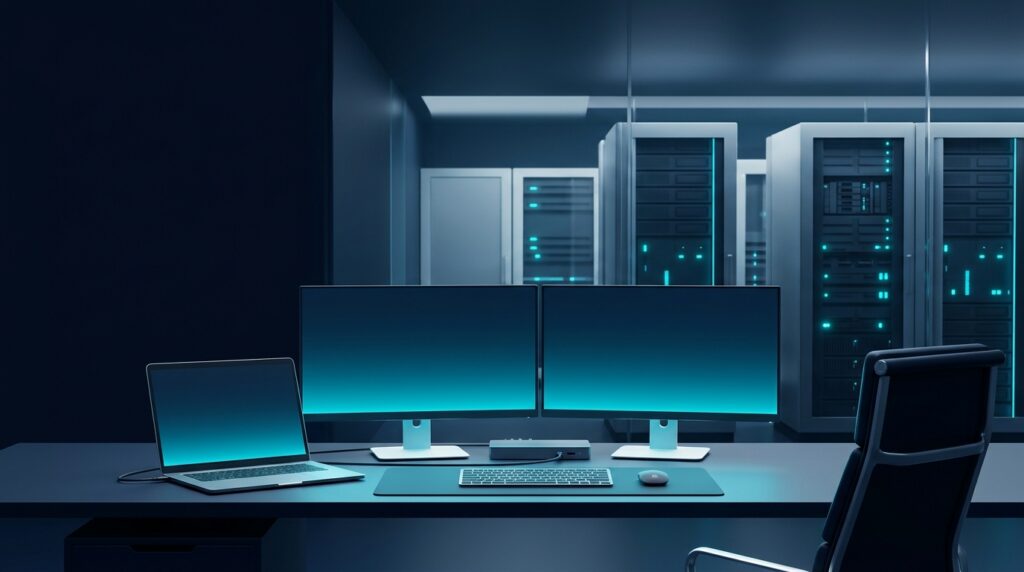
Bottom Line (TL;DR): Business hardware procurement is not about buying the cheapest consumer laptop on sale — it is a direct infrastructure investment in employee productivity and cybersecurity. Choosing commercial-grade laptops, right-sized servers, and managed networking reduces hardware failures by ~60%, eliminates bottlenecks, and saves dozens of lost work hours every year.
Why Consumer Equipment Fails in Business Environments
Many SMBs buy home-grade PCs and basic retail routers to save a few hundred shekels upfront, only to pay a heavy price in slowdowns, overheating, sudden crashes, and slow lab repairs. When an employee’s computer is out of commission for a week, the lost business productivity costs far more than the laptop itself. Tailored business hardware delivers:
- Durability & On-Site Manufacturer Warranty (NBD): Commercial laptop and workstation lines (such as Dell Latitude, Lenovo ThinkPad, or HP EliteBook) feature reinforced chassis and 3-year on-site technician warranties at your office.
- Hardware-Level Security: Dedicated TPM 2.0 encryption chips for full-disk BitLocker encryption, fingerprint/IR biometric authentication, and BIOS-level protection against rootkits and ransomware.
- Resilient & Segmented Networking: Managed switches, cloud-managed commercial Wi-Fi access points, and enterprise firewalls that isolate guest traffic from your internal network and prevent dropouts.
- Turnkey Pre-Configuration & Hardening: Equipment delivered pre-installed with Windows Pro/Enterprise, joined to your cloud tenant (Microsoft 365 / Entra ID), protected with EDR, and ready to work out of the box.
Calculating True Total Cost of Ownership (TCO) in IT Procurement
When evaluating a hardware quote, the sticker price is only part of the equation. True Total Cost of Ownership (TCO) depends on three critical pillars:
- Role-Based Right-Sizing: An accounting or customer support workstation does not need the same GPU as a CAD engineer. However, today’s baseline for any business PC is a current-generation CPU, at least 16GB RAM, and a fast NVMe SSD to handle multitasking and video calls smoothly.
- Fleet Standardization & Docking: Standardizing laptop series and universal USB-C docking stations streamlines firmware updates and allows employees to hot-desk effortlessly.
- Servers, Storage & Hybrid Backup: Sizing on-premise servers, UPS battery backups, and NAS/Cloud storage around your company’s 5-year data growth trajectory.
Frequently Asked Questions (FAQ)
How often should a business refresh its hardware?
The recommended lifecycle is 3–4 years for business laptops/workstations and ~5 years for servers and core networking gear. Beyond this window, drive and battery failure rates climb sharply and security patch support narrows.
Should we buy computers on our own or through our MSP?
Procuring through an MSP like Base2 guarantees compatibility with your existing stack, official distribution channels with full manufacturer warranty, and complete setup, data migration, and security hardening before the device reaches the employee’s desk.
Need help specifying the right equipment? At Base2, we assess, supply, and deploy business hardware with official manufacturer warranty and full hands-on support.